Most AI assistants wait for the next prompt. OpenAI Dot is designed around a different idea: give an agent an ongoing goal, let it work across connected apps, and have it return with results, questions, and decisions that need human judgment.
Today, we are launching Salestools × OpenAI Dot, connecting that always-on model to more than 180 Salestools tools for day-to-day go-to-market work.
With the connection in place, a Dot can monitor campaign health, research accounts, review pending drafts, surface replies, inspect deliverability, and prepare the next action from the same conversation. The important actions remain governed by the rules and approval boundaries you choose.
What OpenAI Dot changes
According to OpenAI, a Dot is an always-on agent in ChatGPT with its own cloud computer. It can work across selected apps, remember useful context, complete scheduled tasks, and proactively update you as work progresses. You set the goal, choose what it may do independently, and review the results it returns.
That changes the working rhythm. Instead of opening six dashboards to reconstruct what happened, you can assign responsibility for an outcome:
- Check every active outbound campaign each weekday morning.
- Find stalled agents, deliverability warnings, and high-intent replies.
- Research the accounts that need attention.
- Prepare recommended actions and show the evidence behind them.
- Ask before sending, enrolling, pausing, rejecting, or changing live workspace state.
OpenAI also provides custom rules for deciding when a Dot may take action, when an action is pre-approved, when it should ask, and when it must hand work back to a person. That is the right foundation for revenue operations, where speed matters but context, brand, consent, and ownership matter just as much.
What Salestools adds
A capable agent still needs access to the systems where the work lives. Salestools gives an OpenAI Dot a broad, connected GTM surface instead of a collection of disconnected point tasks.
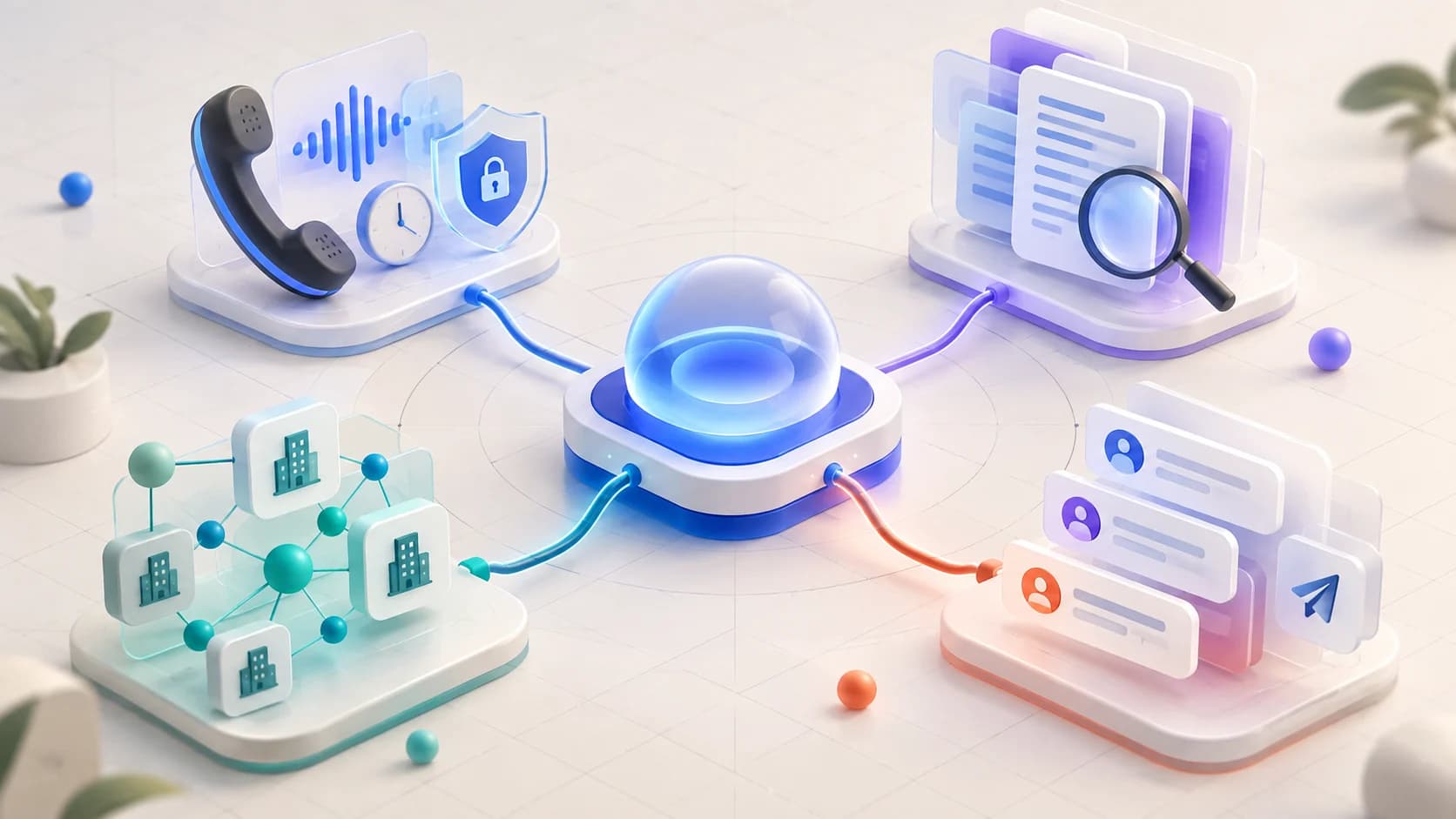
Agents and campaigns: Build, clone, diagnose, start, pause, and stop agents; set ICP, persona, and company context; edit steps and prompts; preview audiences; enroll prospects; check audience overlap; and inspect pipeline status.
CoPilot: List pending LinkedIn, email, call, and reply drafts; show the full copy and the reason it was written; edit or regenerate it; then approve, skip, reject, or pause according to your review flow.
Research: Run company and persona research, retrieve the latest findings, and test or optimize the prompts used to gather evidence.
Inbox and LinkedIn: Review recent replies, full threads, connection requests, LinkedIn activity, and conversation history. Stop or tag leads when someone has left a company or asked not to be contacted.
Mail and deliverability: Inspect mailboxes, account health, domains, DNS, signatures, and test-send readiness before a campaign problem becomes a pipeline problem.
Analytics: Pull dashboard metrics, engagement, attribution, call sentiment, visitor activity, tracking status, and credit usage into the same operating view.
Workspace setup: Review reply-handler settings, tone profiles, integration status, business context, and contextual product help.
The complete surface spans more than 180 tools. The point is not the number alone. It is that research, execution, conversation context, deliverability, and measurement can be coordinated around one goal.
A practical morning loop
Imagine giving your Dot this responsibility:
Every weekday morning, review my active Salestools workspace. Show me campaign exceptions, urgent replies, drafts waiting for approval, mailbox health risks, and material pipeline changes. Research the affected accounts and recommend the smallest safe next action. Do not send messages, enroll prospects, or change a live campaign without my approval.
The resulting loop can be simple:
- Observe: Read campaign, inbox, mailbox, and pipeline state.
- Investigate: Gather company, persona, and conversation evidence where an exception needs context.
- Prepare: Draft a reply, recommend a campaign change, or assemble a focused review queue.
- Explain: Show what changed, why it matters, and what evidence supports the recommendation.
- Approve: Let a person decide before consequential workspace actions run.
This is more useful than a generic summary. It turns the morning brief into an operating queue with the context required to make decisions.
The boundary is part of the product
An always-on sales agent should not have unlimited authority by default. The best setup gives the Dot broad permission to observe and prepare, but explicit limits around actions that affect customers, prospects, compliance, or live campaign state.
A practical first policy is:
- Allow reading, monitoring, research, analysis, and draft preparation.
- Require approval for sending, enrolling, pausing, stopping, rejecting, or changing production configuration.
- Require a reason and supporting evidence with every proposed action.
- Hand off anything ambiguous, sensitive, or outside the connected tools.
There are also honest limits. Salestools cannot make a Dot operate a UI-only control that is not exposed to the connected toolset, and it will not invent integration state. For example, if a Twilio status is unavailable or a mailbox-pool action exists only in a separate interface, the agent should flag that limitation and direct you to the relevant in-app step.
How to connect Salestools to your Dot
OpenAI says Dots are created from ChatGPT on desktop web or the desktop app, with availability depending on account plan, region, and the gradual rollout. Once Dot is available on your account:
- Create a Dot and give it a clear, outcome-based goal.
- Open ChatGPT settings, go to Customize, and choose Plugins.
- Connect Salestools and review the permissions requested.
- Add custom rules that define what it can inspect, prepare, and execute.
- Start with a read-and-recommend workflow before approving live actions.
You can use scheduled work for recurring checks and let the Dot bring important changes back to you proactively. Local-computer access is optional and off by default; the Salestools connection is designed to work through the connected product tools.
From assistant to GTM operator
The biggest difference is not a new chat window. It is continuity.
An assistant can answer a question about one campaign. An always-on GTM operator can remember the goal, review the campaign tomorrow, connect a reply to the earlier research, notice a new deliverability risk, and return with a prepared decision.
That is what Salestools × OpenAI Dot is built to enable: one ongoing operating relationship across the parts of GTM that normally fragment across tabs, dashboards, and handoffs.
Explore the new Salestools × OpenAI Dot integration, review the complete Salestools capability catalog, or talk with our team about setting up your first always-on GTM workflow.
Sources and availability
Product behavior and availability described here follow OpenAI's official Getting started with your Dot guide and scheduled tasks documentation. Access may vary by plan, region, administrator settings, and rollout status.