The agents get smarter, the signals get sharper and the busywork keeps disappearing. Here's what we've shipped — updated as it goes live.
Shipping continuously34 releases · updated Oct 17, 2026
October spotlightUpdated Oct 17, 2026
Product updatesImproved
Deeper data. Smarter agents. A faster working day.
October brings richer company intelligence, visible Agent Loop rules, a connected calling workspace, conversation coaching, and more context behind every visit. Explore the release notes below.
Deeper company profiles and 123 company variables
More control over ongoing prospecting and account follow-up
Call assistance, coaching, and clearer recording readiness
Describe who you want to meet and why through the new introduction-request front door. Request and response pages make the next step clearer for everyone involved.
Structured introduction briefs through the web front door and supported assistant tools.
An explicit preview and confirmation flow for assistant-submitted requests.
Clearer Yes and No response pages, introduction emails, and optional account setup after confirmation.
Introduction matching depends on available relationships and member participation.
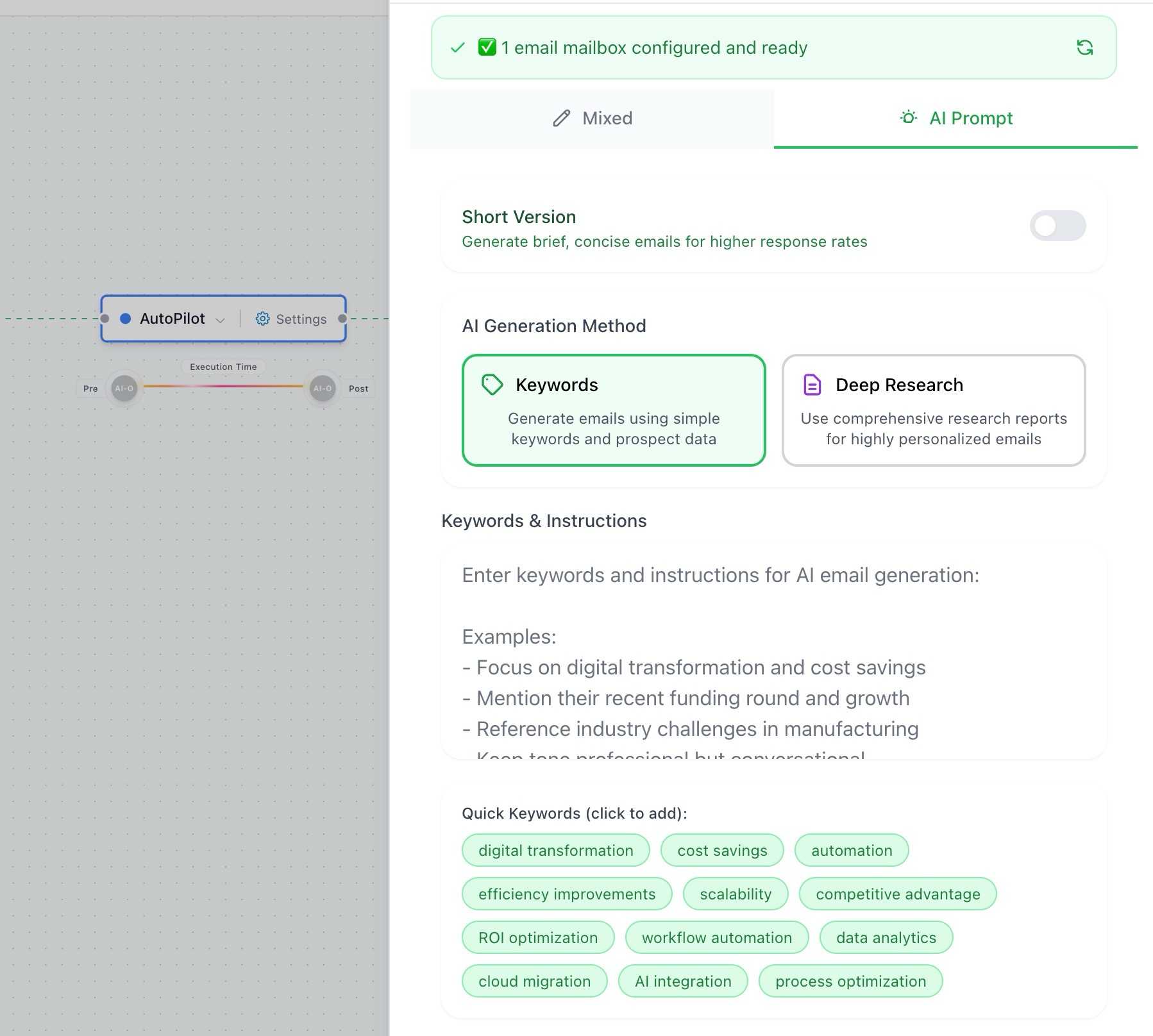
The Keep going setup makes the rules behind ongoing prospecting visible before launch. Review how an agent returns to accounts, retries, wakes up, and stays within your limits.
A dedicated Loop step in the SDR wizard and an editable Rules section.
Switch optional rules on or off, adjust their values, or reset to recommendations.
Clearer people-per-company targets, batch pacing, and message caps.
Locked protections for customers, unsubscribes, Do Not Contact, and conversations handed to a person.
A global dialer and compact call workspace bring calling closer to the rest of your day. Recording and live-assist states now explain what is needed before assistance can start.
Open the dialer from a shared workspace instead of rebuilding your calling context.
Answer recording-consent questions directly on the power-dialer page.
Start recording from the assist panel when consent requirements are met.
Clearer messages when live assistance is waiting for recording or another prerequisite.
Visitor IDImproved
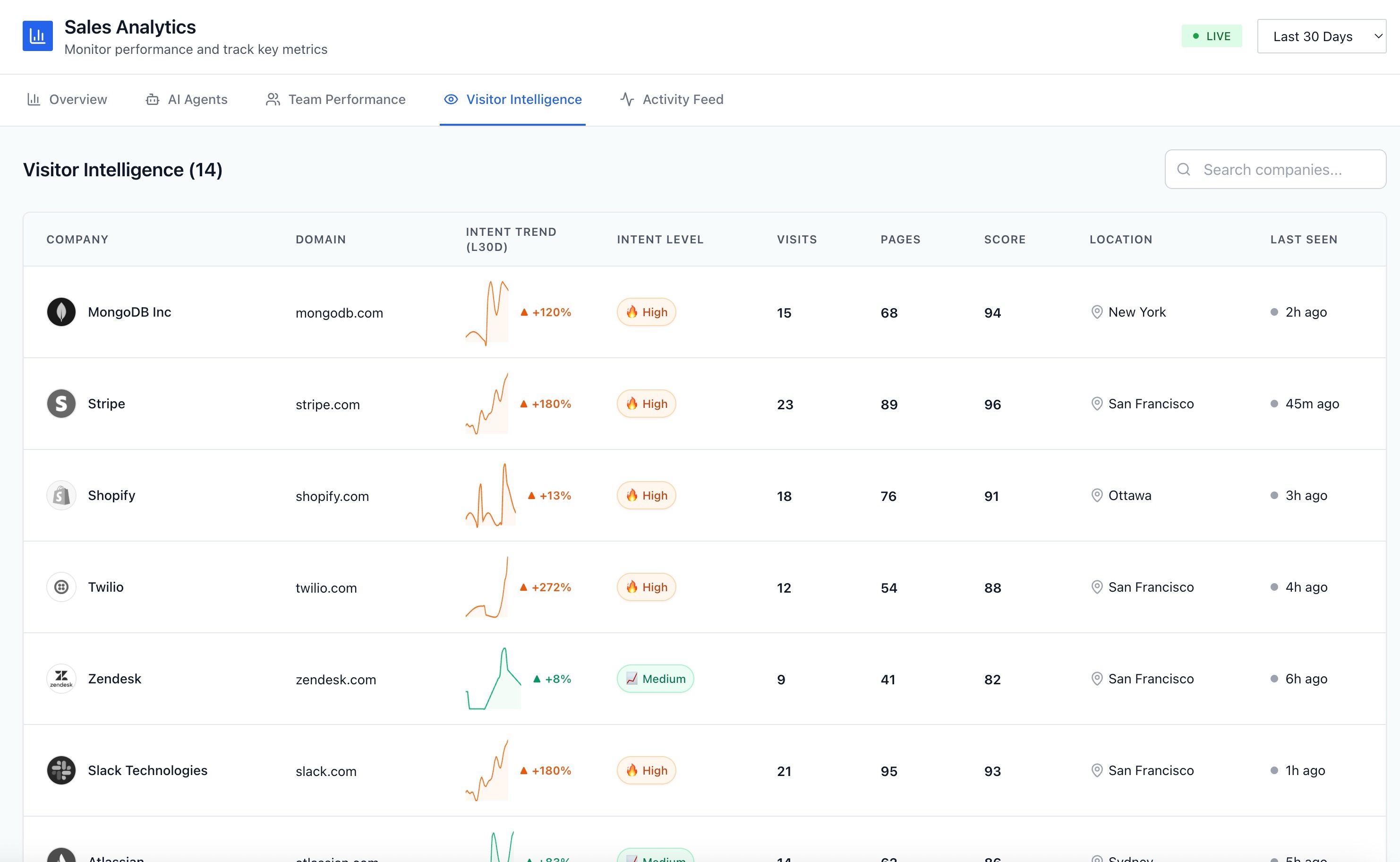
Visitor intelligence with time, place, and source #
See more of the context behind a visit: active time on page, visitor location, traffic source, and a cleaner company or person record.
Time-on-page and page-view details in sessions and activity lists.
Source labels for search, LinkedIn, email clicks, AI assistants, referrals, and campaigns.
Visitor locations shown separately from a company headquarters address.
Cleaner company and person rows, identification chips, logos, and source filters.
Email & DeliverabilityImproved
Mailbox health that explains what needs attention #
Warmup and mailbox controls now give clearer readiness and receiving-hold information, so you can understand a blocked mailbox before deciding what to change.
Verified readiness and more useful receiving-hold explanations.
Controls that respect a mailbox hold instead of implying that a restart fixes it.
Clearer distinction between an unavailable mailbox and a daily sending limit.
Choose relevant pages from your own website when configuring adaptive intelligence, with searchable page titles and paths instead of starting from a blank URL field.
Pages grouped by category with available 30-day visit context.
Suggested product, pricing, feature, and use-case pages.
Manual paths remain available, and existing selections are respected.
Understand what a company sells, who it serves, and how it goes to market. Deeper profiles now connect account research to search, lookalikes, and outreach.
Products, use cases, buyer personas, customer types, and sales motions in a structured profile.
More location and business details, including office count, headquarters, and industry classifications where available.
123 company variables for prompts and templates, with fallbacks when a value is missing.
More consistent company matching across account rows, detailed profiles, and outreach. Coverage varies by company and source.
Draft and edit prompts in one place. Sending-hour controls explain the policy a step actually uses, while safer editing avoids silently replacing your work.
Write with AI sits directly above the prompt editor.
Generated text waits for review when you have edited the prompt yourself.
Recommended hours, weekday presets, and custom windows are easier to choose.
Clearer warnings when an agent has changed elsewhere or has work in progress.
Turn recorded conversations into practical coaching. Review the exact moment behind feedback, track focus skills, and prepare for the next call with context from previous ones.
A conversation library with transcripts, scorecards, trackers, and deal-risk context.
Olivia reviews what went well and what to try differently, linked to the relevant recorded moment.
Individual focus skills, manager coaching views, great moments, and text-based practice.
Recording health and clearer explanations when a call has no transcript or nothing ready to review.
Pipeline AgentsImproved
CRM follow-up with clearer evidence and handoffs #
Pipeline follow-up makes it easier to inspect deal context, understand the proposed message, and decide what should happen when there is no existing conversation.
Test runs show the proposed message, prompt, decision, and relevant CRM contact evidence.
Visible email-history sync information and a configurable history window.
First messages are held for review, with deal-owner handoff and skip options.
Teammate-mailbox context and handoffs preserve who owns the conversation.
The September calling update brought local-time windows, phone-level Do Not Contact checks, abandoned-call protection, recording consent, and ownership-checked caller IDs into the power dialer.
Salestools can now distinguish B2B, B2C and government organizations—including genuine multi-model businesses—and teams can connect their own Lusha, ZoomInfo and Zeliq providers.
17,304 companies classified in the first production run
Multi-tag classification when one label is not enough
Signed provider callbacks tied to the run that requested them
Tone, classifier context and sentiment now travel through the reply workflow end to end. Managers can search their team's threads and answer for a teammate with attribution preserved.
Rich tone and reply interpretation passed into generation
Sentiment persisted with each approval
Team-scoped reading, search and attributed replies
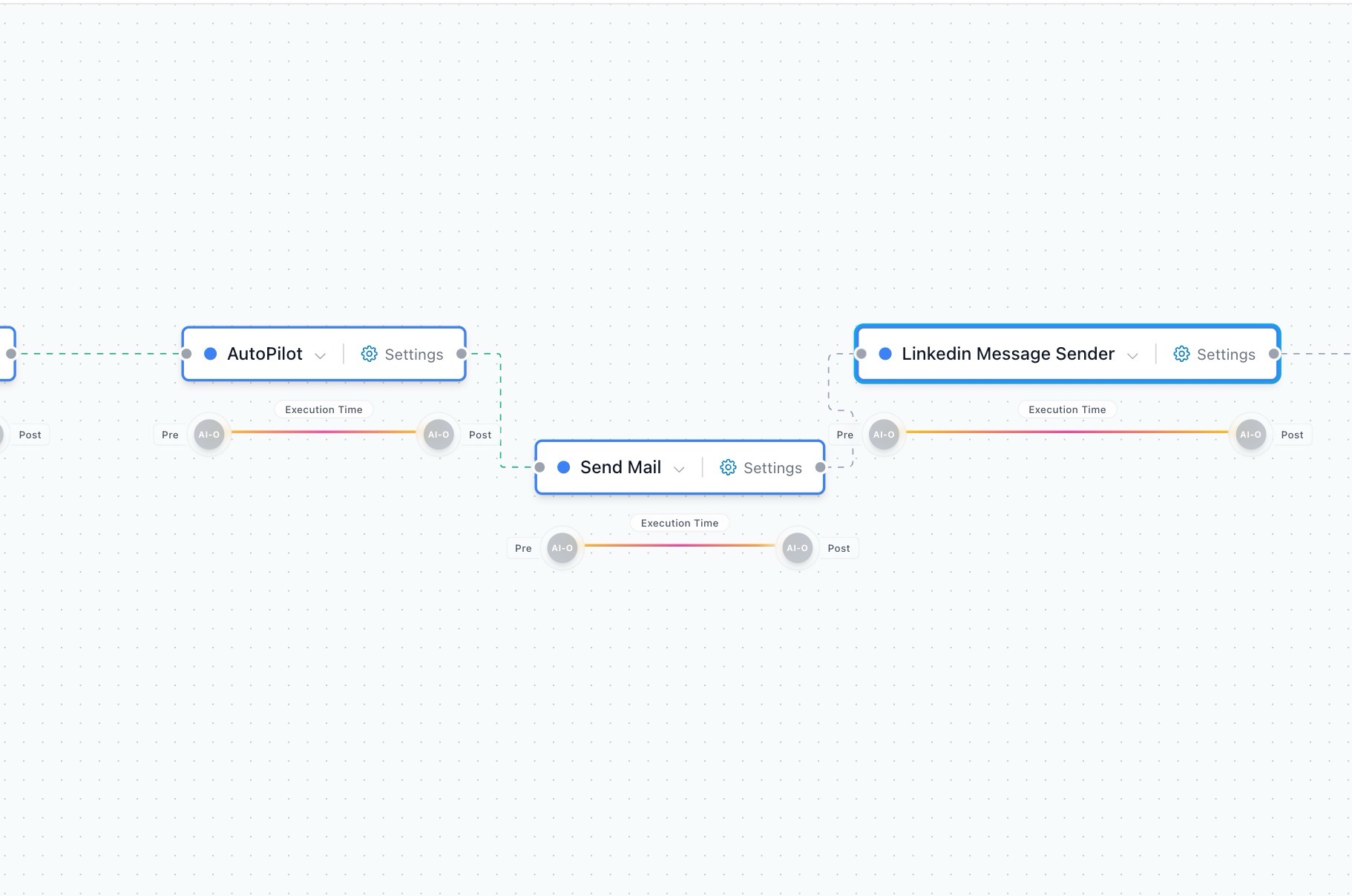
CoPilot and AutoPilot behavior is visible before launch, readiness and booking gates catch configuration gaps, and the new FIELD canvas brings a more connected workspace to sales and marketing flows.
Per-agent and per-lead operating-mode controls
One Start action with readiness checks and deeper step stats
Real-data marketing overview and attribution views
Your AI SDR can research, write, send, handle replies and book meetings inside the daily caps and guardrails you set, with CoPilot one click away whenever you want approval control.
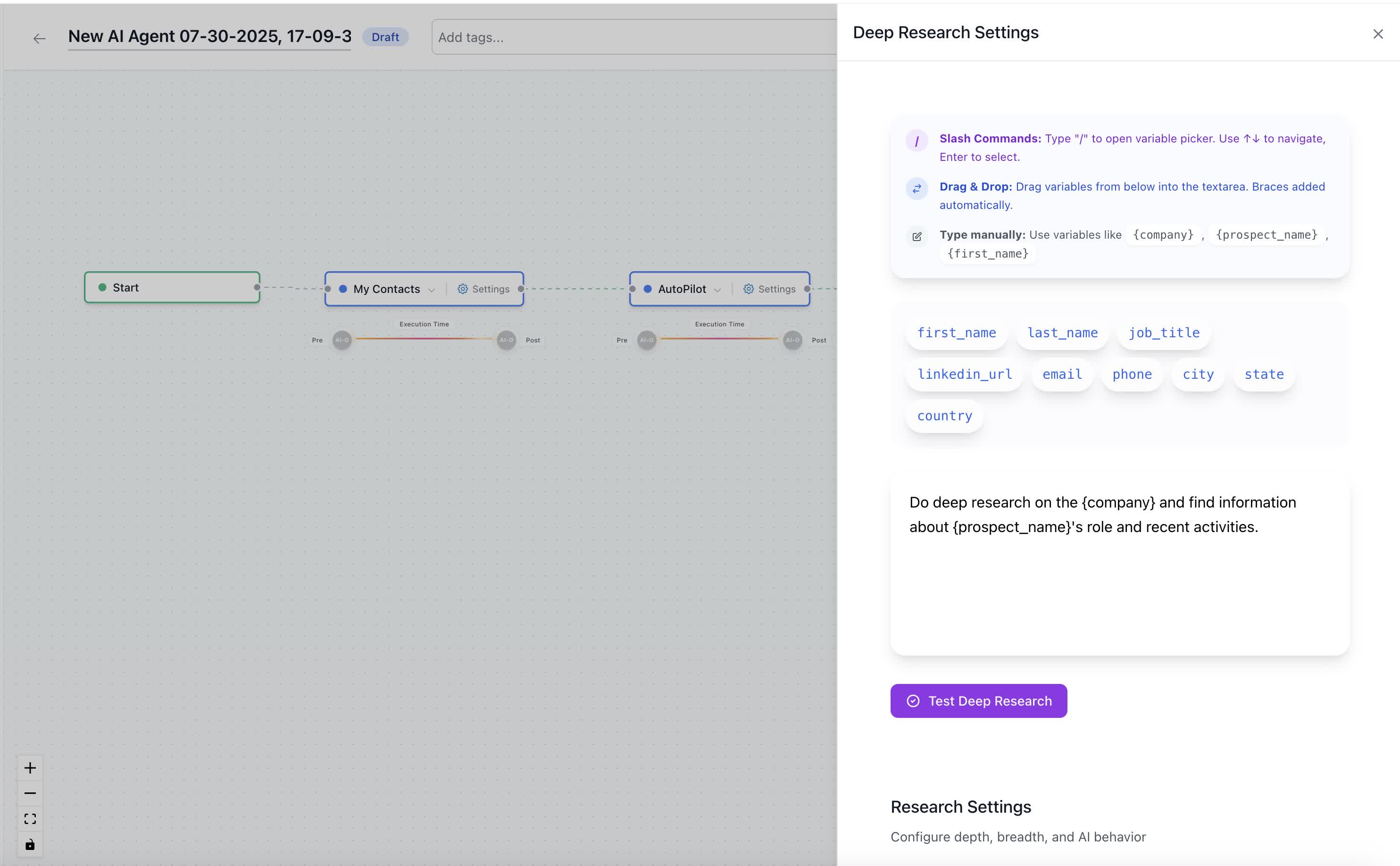
Sally's deepest research recipe is faster, pulls from more sources, and now auto-applies to your highest-intent buyers before she writes a single line. And the prompt is yours to shape.
Briefs complete about 2× faster
New funding, hiring and news sources built in
Editable research prompts with drag-in variables
app.salestools.io/agents/research
Deep Research settings, now with editable prompts and variables.
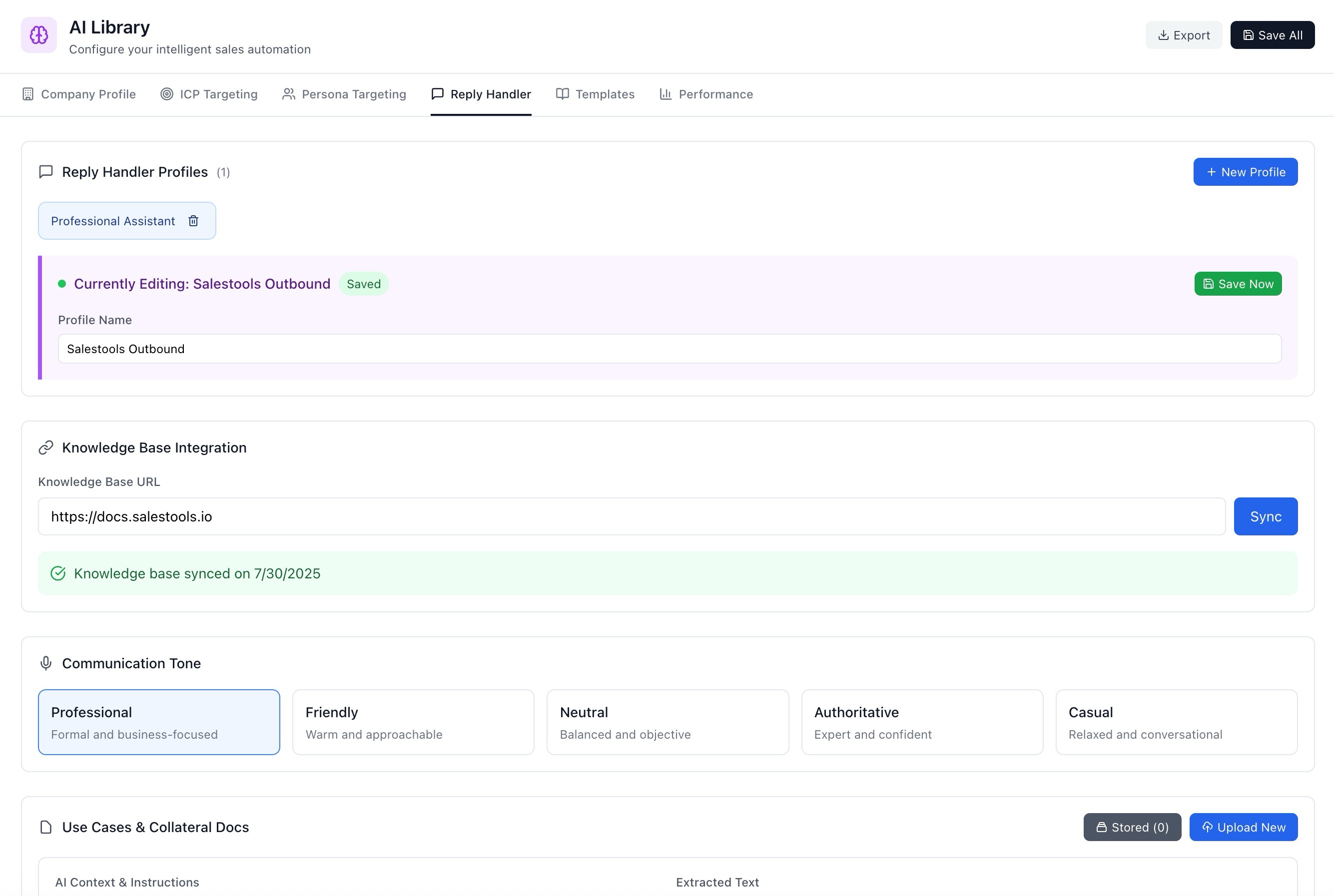
Give Sally a tone, a knowledge base and a set of rules — then let her answer. New governance controls decide exactly what she can send on her own and what escalates to you.
Per-profile tone and synced knowledge base
Approval rules by scenario and confidence
Full audit trail of every autonomous reply
app.salestools.io/library/reply-handler
Reply Handler — set tone, connect a knowledge base, define what auto-sends.
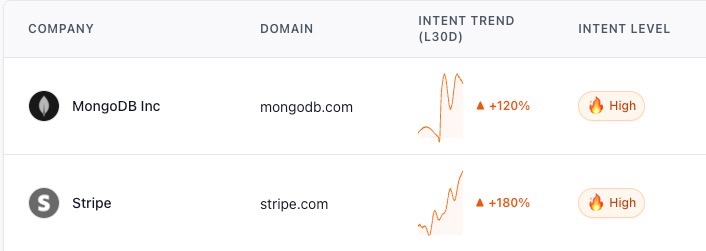
The Intelligence feed now ranks accounts by intent surge, so your day opens with exactly the buyers heating up right now — first-party and third-party signals, blended into one score.
30-day surge scoring across every signal source
Blended 1st-party visits + 3rd-party intent
One click to drop a surging account into a campaign
app.salestools.io/intelligence
The Intelligence feed, now ordered by live intent surge.
Sally recognises the classics — pricing, timing, "we already use something" — and answers with context pulled from your knowledge base, escalating only the ones that genuinely need you.
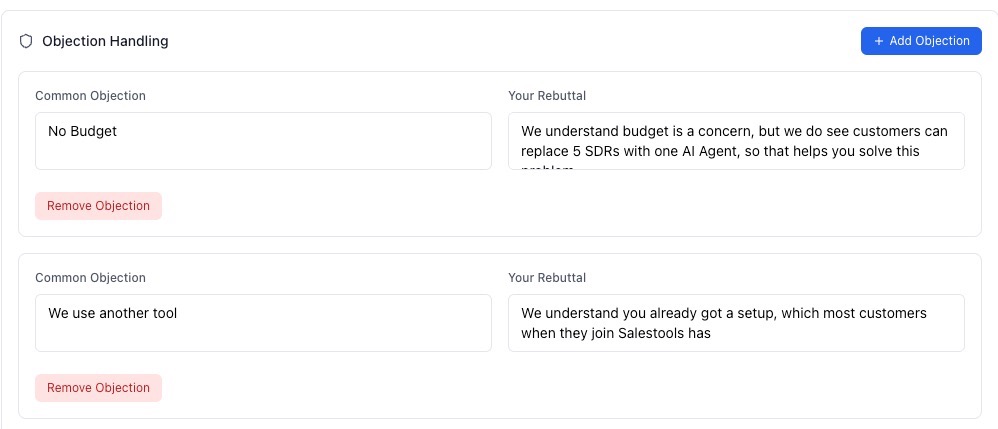
Objection library, tuned per campaign
Confidence-gated auto-replies
Clean hand-off when a human should step in
app.salestools.io/inbox
Objection handling drafted inline, with sources from your knowledge base.
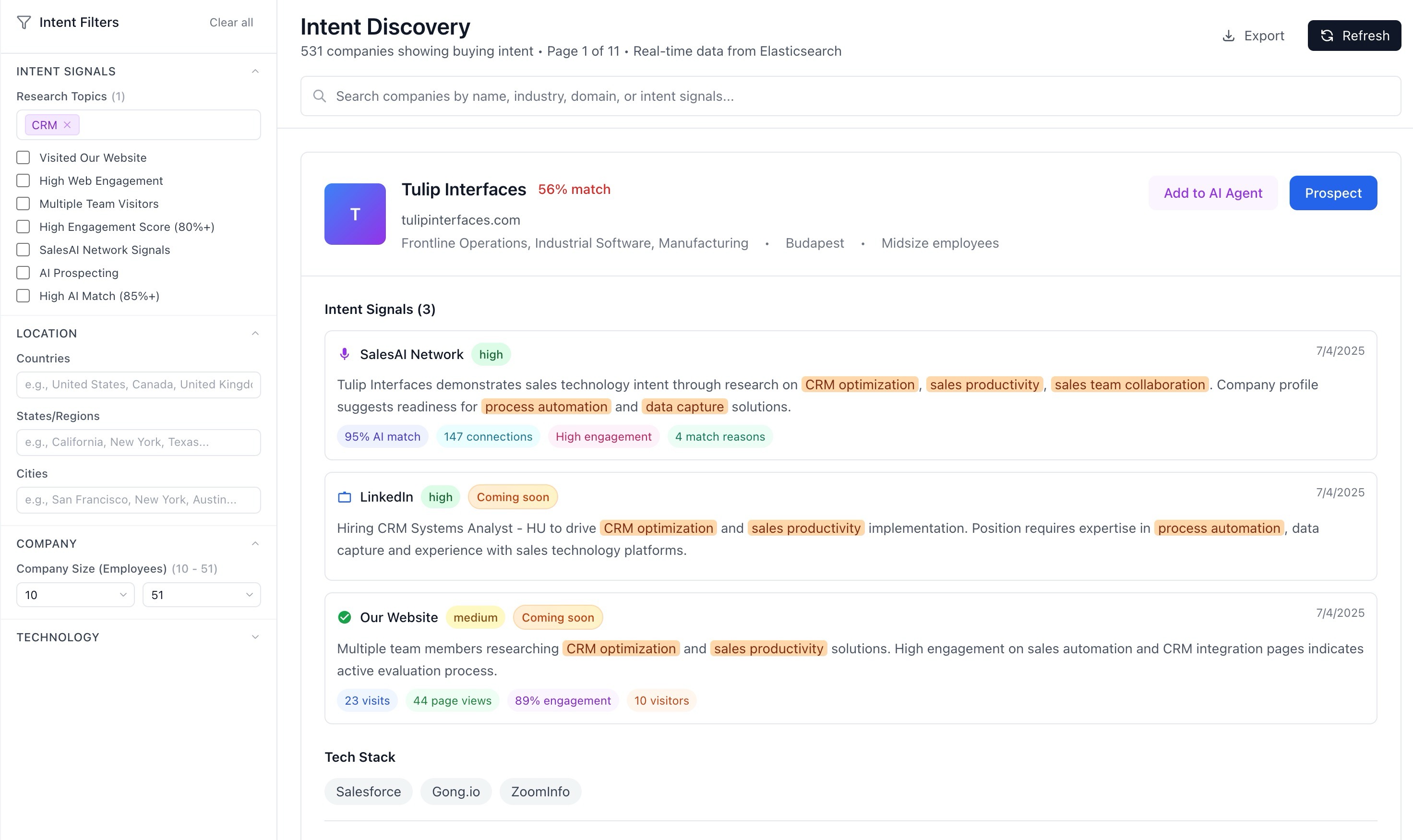
Filter and trigger on a far larger technology graph. Know exactly what a company runs — and when they add or drop something — before you ever reach out.
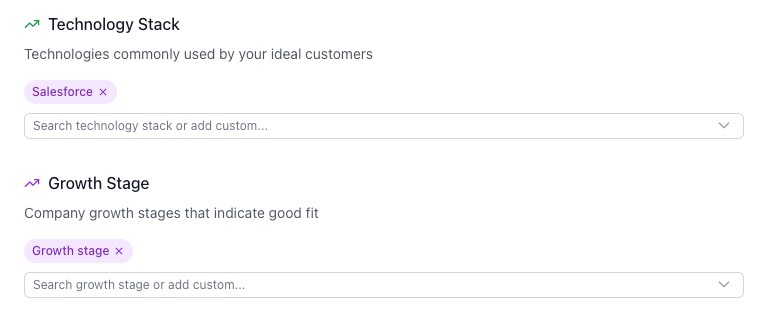
Thousands of newly detected tools
"Recently added / dropped" change signals
Usable as sequence entry rules
app.salestools.io/leads
Technology filters in Find Leads, now covering a much wider stack.
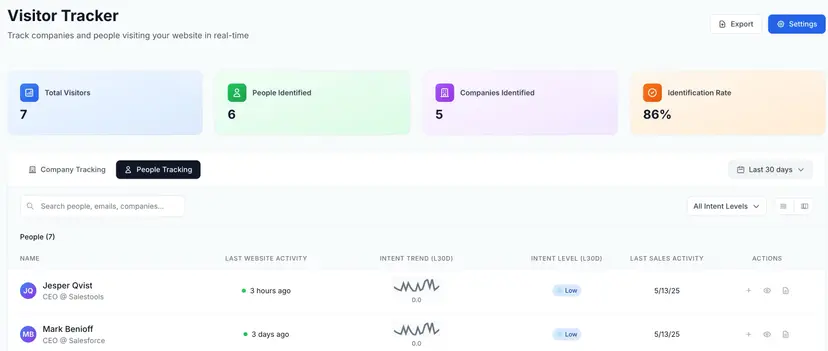
Follow the buyers who matter across companies and roles. When a champion changes jobs, Sally can reopen the conversation at their new company automatically.
Track individuals wherever they go
Job-change and new-role alerts
Auto-trigger outreach on a move
app.salestools.io/tracker
People Tracker — a live watchlist of the buyers you can't lose.
The writer got an upgrade: tighter, more specific opening lines drawn from research and live signals — so drafts need fewer edits before they're ready to send.
Research-grounded, signal-aware openers
Brand-voice controls at the workspace level
Regenerate any step inline
app.salestools.io/agents/step
AI-drafted outreach — sharper first lines, fewer edits.
Salesforce joins HubSpot with a full two-way sync. Leads, contacts, activities and meeting outcomes flow both ways, with field mapping and conflict rules you control.