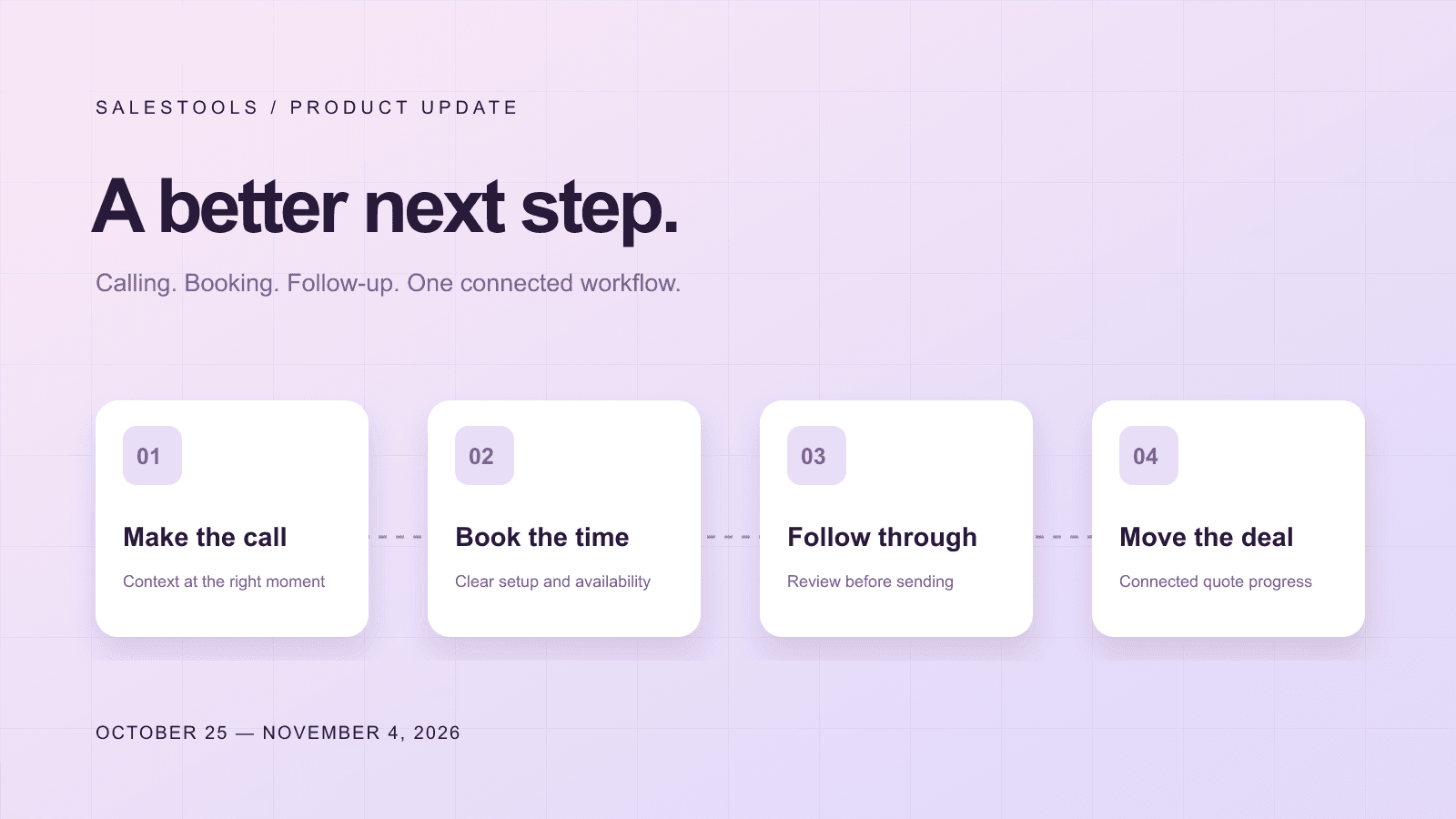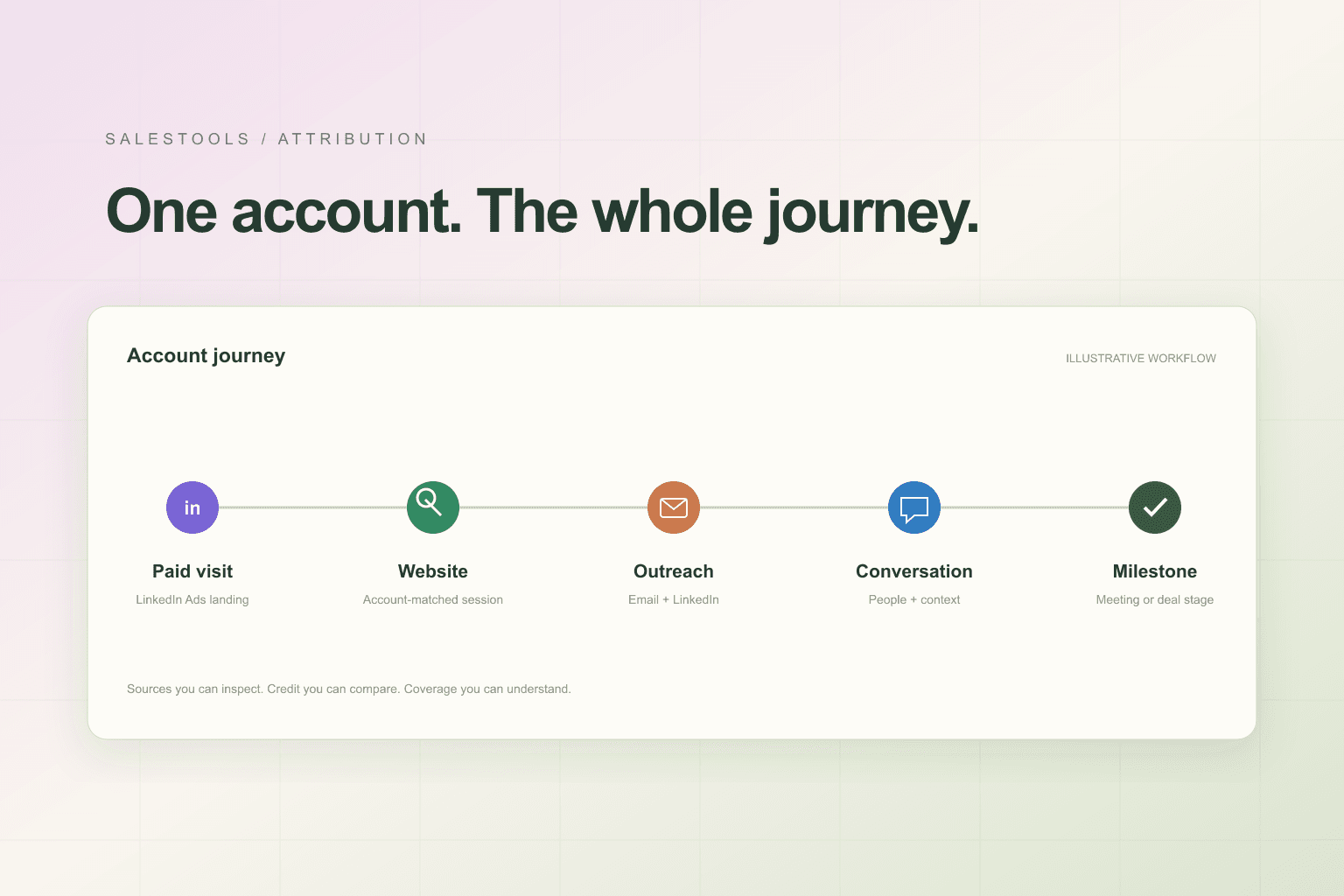




A company name, an industry, and an employee count can get an account onto a list. They rarely tell you whether it belongs there—or what you should say when you reach out.
Our latest company-data update brings much more of that context into Salestools. We have expanded the depth of company profiles and connected that intelligence to account search, saved companies, lookalike discovery, outreach, and MCP tools.
The result is a more useful starting point for your GTM work: understand the business, decide whether it fits, find the right people, and give your agents something concrete to work with.
Understand what a company actually does
Company intelligence now brings together a fuller picture of a business, organized into sections you can inspect rather than a single description you have to interpret.
Depending on the information available for an account, that picture can include its products and services, use cases, problems it solves, value propositions, differentiators, target markets, buyer personas, and buying triggers.
It also includes context about how the company sells: its business model, customer type, sales motion, and price band. Those details matter when two companies share an industry label but operate very differently. A self-serve software business and an enterprise vendor with a demo-led sales process may need different campaigns, different messaging, and different people in the conversation.
Profiles bring this information together with company size, customers, technology, hiring, funding, corporate structure, and digital footprint where available.
More detail on locations and business structure
We have expanded the company enrichment record to carry details that help teams build more precise account lists: office count, headquarters address, legal entity type, and NAICS and SIC classifications.
These fields make practical questions easier to answer. Does this business operate across multiple offices? Is its headquarters in your territory? Does it belong to the industry segment you actually serve? Is it part of a larger corporate structure?
Address handling also checks the relationship between a street address and the headquarters city before presenting it as the HQ address. A branch location should not quietly become the company's headquarters.
Search by the business behind the record
The deeper profile is connected to search across Prospector, My Companies, and company search tools. You can narrow accounts using company-intelligence criteria alongside your existing filters.
Supported criteria include business model, customer type, sales motion, buyer departments and titles, industries served, office count, founding year, industry classification, technology, and funding stage. You can also search profile text for relevant offerings, use cases, problems solved, and product names.
For example, a team could combine a B2B customer type, a demo-led sales motion, a relevant buyer department, and a multi-office requirement to build a more focused account set. The same industry and geography alone would leave much more qualification work for the rep.
Compact intelligence is also available on company rows, so you can assess an account before opening its full profile.
Find lookalikes with more business context
Lookalike discovery now incorporates additional company-profile traits, including customer type, sales motion, price band, buyer department, office footprint, and industry classification.
That gives similarity more context than a shared category or a similar-sized workforce. You can also apply profile-based filters to lookalike results and inspect the reasons returned with supported results.
The workflow is straightforward: start with an account that fits, find similar businesses, then narrow the results to the commercial characteristics that matter to your offer. Similarity helps you discover candidates; your qualification criteria still decide which ones belong in a campaign.
Give outreach more useful facts
We have expanded the company-variable catalog to 123 variables, giving prompts and templates access to a broader set of company details. These cover areas such as offerings, buyer context, locations, industry codes, website characteristics, and available growth or funding signals.
Company context can support email, LinkedIn, and deal follow-up workflows. Instead of asking a model to improvise why an account matters, you can reference relevant facts from its profile and define a fallback when a value is missing.
We have also improved how profile items are selected for outreach. Concrete facts are prioritized over slogans, vague claims, repeated items, and calls to action. A company's homepage headline may be useful source material, but it should not automatically become your opening line.
Company intelligence in your connected AI workflow
The update extends to Salestools MCP tools. Company detail tools can return structured intelligence, while supported search and lookalike results include compact company context.
That lets a connected assistant research an account and work with the same kinds of business details available in Salestools. You can ask it to find companies with a particular sales motion, inspect their offerings and target buyers, or prepare an account brief before drafting outreach.
Explore the connection options on our integrations page.
Better consistency matters as much as more fields
This release also improves how duplicate company records resolve to a canonical profile, helping search, company details, and outreach variables use consistent company context.
Other quality improvements address irrelevant website pages, duplicate customer references, and inconsistent display language. These are quieter changes, but they affect the quality of every list and brief built on top of the data.
Coverage varies by company and source. Profiles will not contain every field, and inferred estimates should be evaluated as estimates. Updates populate as profiles are processed; some advanced capabilities have a separate rollout. Customer-specific lookalike personalization in outreach remains a separate controlled rollout.
Put the update to work
Start with a company you know well. Open its profile, inspect the available intelligence, and choose two or three characteristics that explain why it fits your market. Use those characteristics to refine a search or explore lookalikes, then review the resulting accounts before launching outreach.
Better company data should make the next decision easier: which account to pursue, which person to involve, and what is worth saying.
Explore Salestools company data or book a demo to see the updated workflow with your team's ICP.